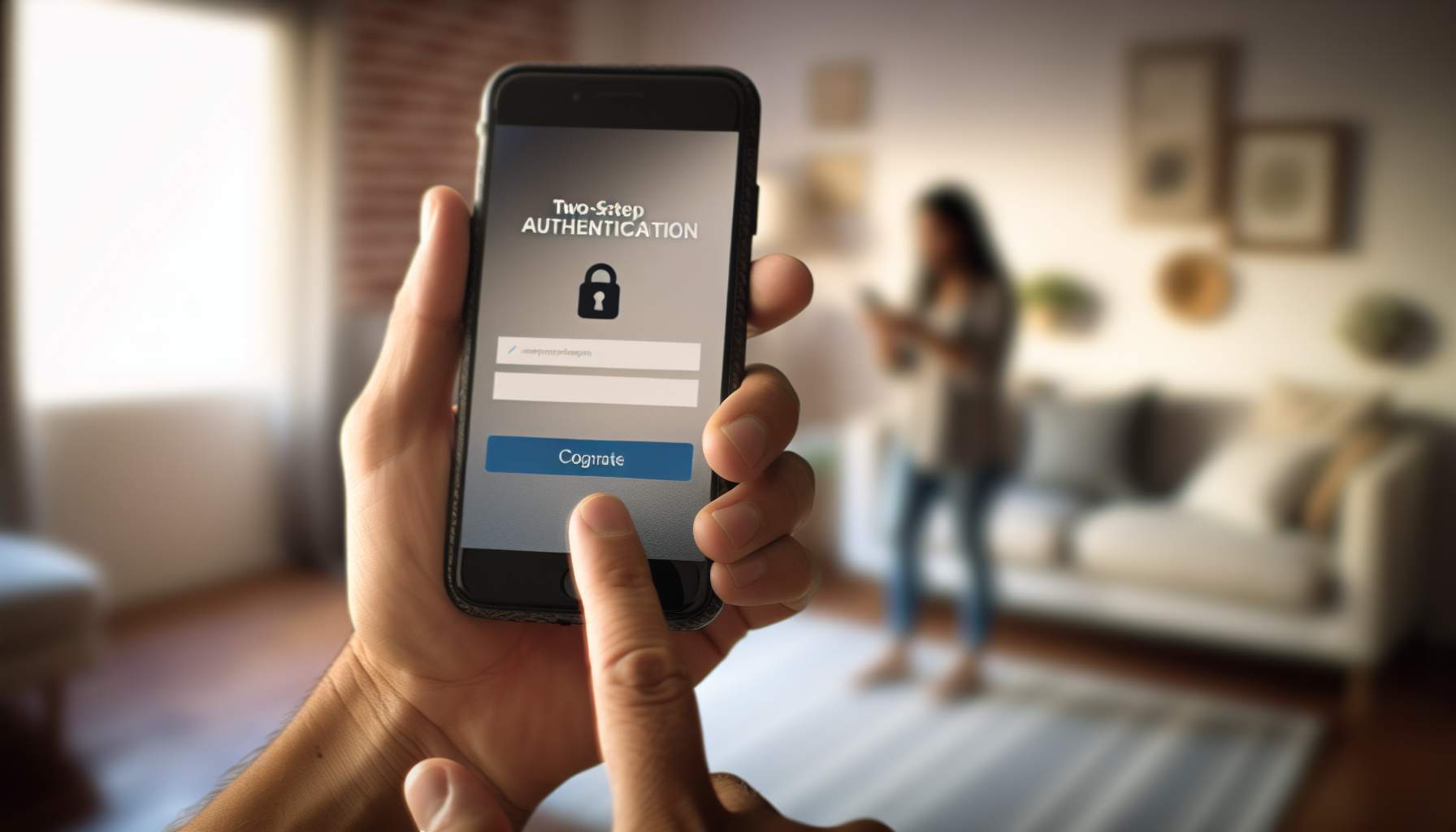
Chaturbate はすべての利用者に、ログイン時の追加の守りとして二段階認証を用意しています。Chaturbate のチャットレディ登録をする前に、ひとまず有効にしておきたい機能です。二段階認証はログインしようとしているのが本人であることを確かめる仕組みで、フィッシング業者やハッカーをアカウントから遠ざけてくれます。
有効にするには、https://chaturbate. Com/security/ のセキュリティセンターを開きます。セーフティセンターの解説で取り上げているページと同じものです。設定後はログインのたびに確認コードを求められ、SMS、電話、あるいはスマートフォンや専用機器で生成したコードを入力することになります。
なぜ二段階認証を使うのか
二段階認証の有効化は強く推奨されます。アカウントの手前にもうひとつ関所を置く仕組みで、他のネットサービスで使われている多要素認証と同じ原理です。
ログイン時にもう一段階の確認を置くことで、フィッシングを封じ、不正アクセスからアカウントを守ります。フォロワーのブロック機能と組み合わせれば、配信ルームを荒らされることもずっと少なくなります。
二段階認証は周囲にバレませんか?
Chaturbate では、一般的なスマートフォンアプリ、電話番号、または Yubikey のような専用機器で認証できます。Google Authenticator などの主要なアプリに「Chaturbate」という文字が表示されることはありません。SMS のコードは短縮番号から届き、本文には認証トークン以外何も書かれていません。
自動音声の電話には発信者名がなく、どの電話リストにも載らないため、全体として本当に目立たない仕組みになっています。ログインのセキュリティは人に知られずに保たれ、サイト全体のプライバシーとデータの扱いの方針とも一貫しています。
対応しているデバイスは?
下記のいずれかがあれば、二段階認証でアカウントを守れます。
- Android スマートフォン:Google Authenticator アプリでコードを生成します。
- Apple iOS 端末:iPhone、iPod touch、iPad で Google Authenticator アプリを使います。
- Windows スマートフォン:Microsoft Authenticator アプリでコードを生成します。
- TOTP 対応機器:Authy や FreeOTP など、TOTP 対応の認証アプリでコードを生成できます。
- SMS 受信用の電話:確認コードを SMS で受け取ります。番号は認証のためだけに使われます。
- 通話用の電話:自動音声の電話でコードを受け取ります。こちらも番号は認証専用です。
- ハードウェアセキュリティキー:YubiKey などの U2F 対応セキュリティキーで認証します。
二段階認証のトラブル対応
携帯電話を持っていない場合
携帯電話は必須ではありません。固定電話でも十分で、システムが電話をかけて確認コードを読み上げてくれます。無料の Google Voice アカウントを作るという手もあります。
Chaturbate は Yubikey を含む現行の U2F 対応機器にもすべて対応しています。追加機能が不要なら、18 ドルの標準的な Fido U2F セキュリティキーを USB に差すだけで、デスクトップ利用には十分です。Android スマホと併用したい場合は、NFC と USB の両方に対応した Yubikey Neo が適しています。
認証アプリの設定がうまくいかない
コードが何度も拒否されるときは、まずスマホの日付と時刻を確認してください。時刻がずれた認証アプリはサーバーが受け付けないコードを生成してしまい、最悪の場合ログインできなくなります。対処法は次のとおりです。
- スマホの設定を開きます。
- 日付と時刻の設定を探します。
- どちらも正しいことを確認します。できれば自動設定にしておくのが安心です。
この確認だけで設定トラブルの大半は解決し、二段階認証がまた使えるようになります。
著者
Hank 「Spank」 Buster は、人材リクルーターとして長年働いたのちに大胆な一歩を踏み出しました。ライブ配信の世界を選び、アカウントの本人確認を済ませたうえで、今では自宅から男性視聴者を楽しませ、交流しています。
この転身は、表現の自由と、より個人的な働き方への渇望をよく表しています。彼の歩みは、オンラインのエンターテインメントがどう変わってきたかを映し出しています。配信者は自分の興味を追いながら、視聴者に直接届けられるのです。Chaturbate でも、Royal Cams のレビューで取り上げているような新しいサイトでも、それは同じです。
Related Posts: